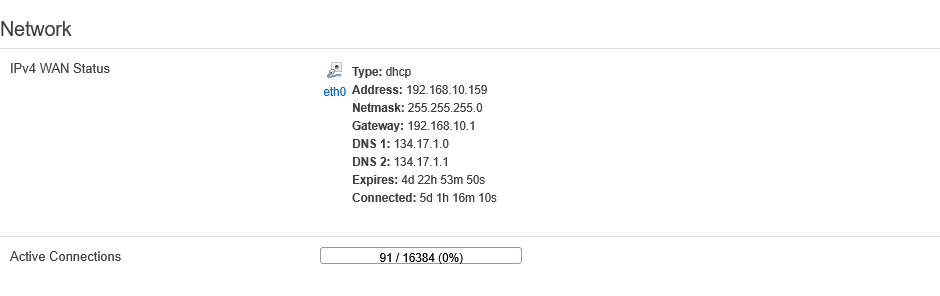
Status Section
Miner Status Subsection
This subsection contains current information about the device's operation. The following are also available here:
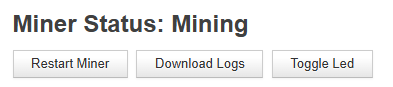
- Restart Miner button — restarts the mining process without rebooting the device itself.
- Download Logs button — downloads logs from the device (similar to the Export log function in Whatsminer Tool).
- Toggle Led button — turns on the LEDs on the device's control board. Useful for locating a specific device in a farm.
Summary

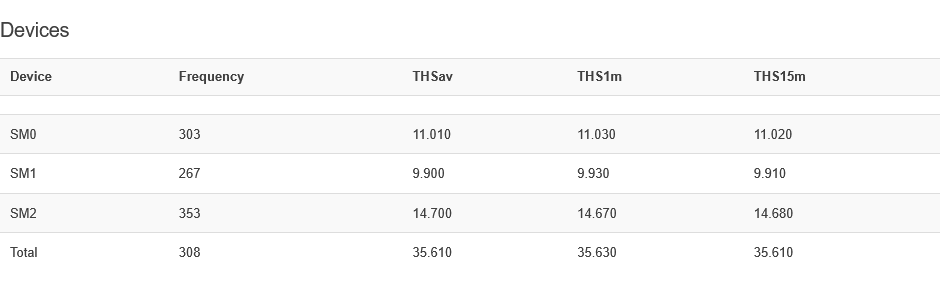
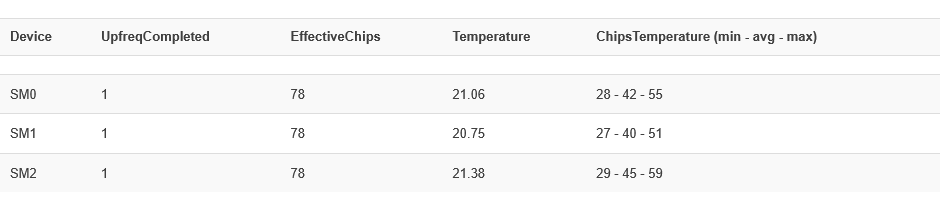
Devices
Pools
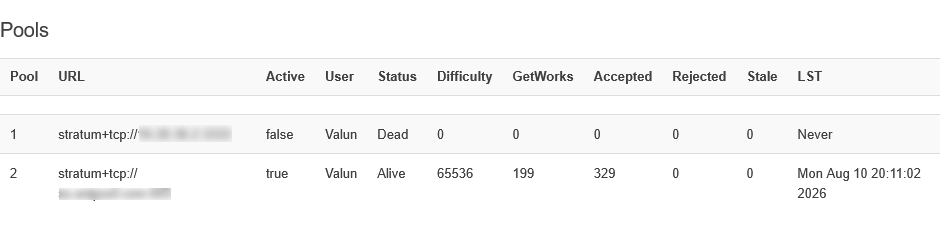
Errors
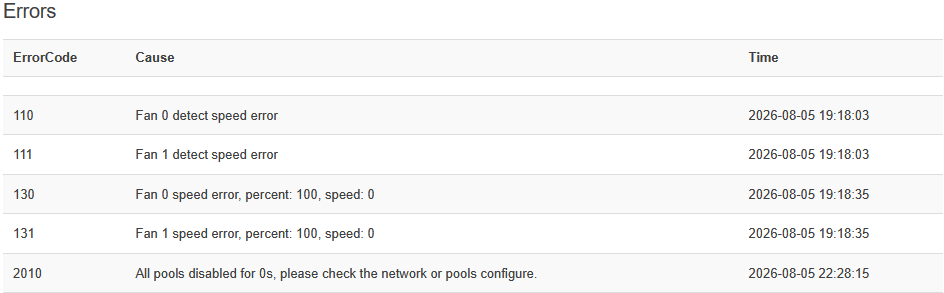
Events

Miner API Log, System Log, Miner Log, Processes Subsections
These subsections contain logs of various types. Here you can view them without downloading:
- Miner API Log — log with detailed information about each board and the chips on them.
- System Log — the current system log of the device, describing the main events of the device firmware.
- Miner Log — allows you to view the pool change history (Pools Change Log) and device performance metrics over time intervals (Miner State Log).
- Processes — allows you to monitor the processes running on the device and their parameters, as well as the current CPU load and memory usage for each process.
Overview Subsection
System
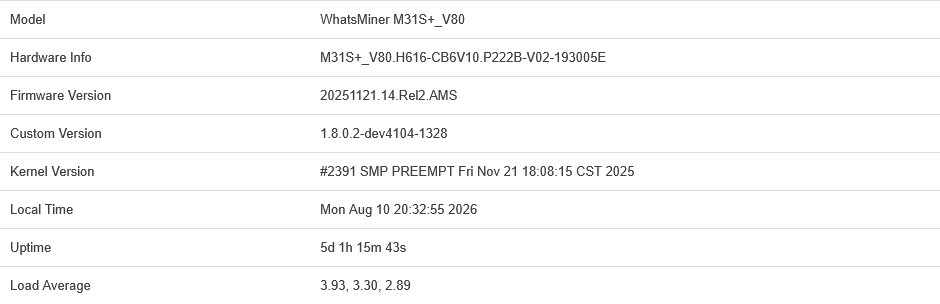
Memory

Network