

Connecting an ASIC Miner to AMS
To connect devices to AMS, you first need to perform the following steps:
- Register an account on the website ams.bixbit.io
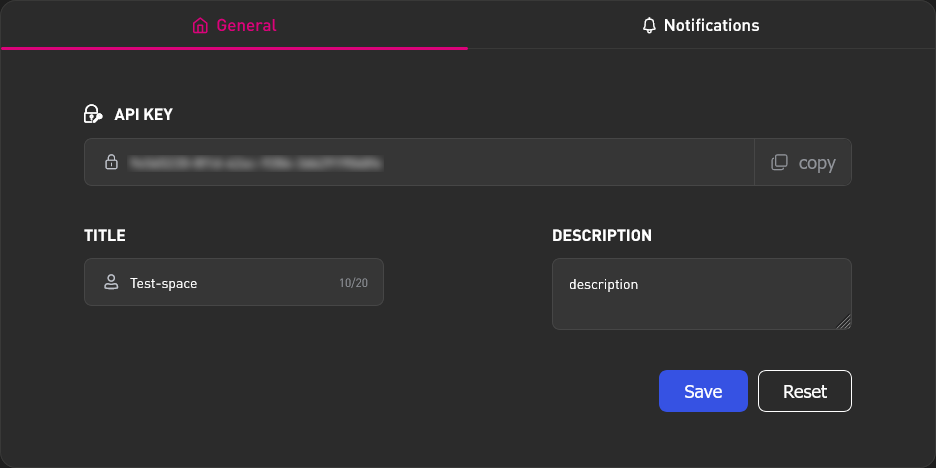
- Create a Workspace in your AMS personal account
- In the created space, go to the "Workspace" tab
- Copy the API key. This key will be used to connect devices later.
Antminer ASIC
On BiXBiT Firmware
- In the device's web interface, go to the "AMS" tab.
- Enter the previously copied AMS Workspace key into the "API key" field.
- Click the Install button.
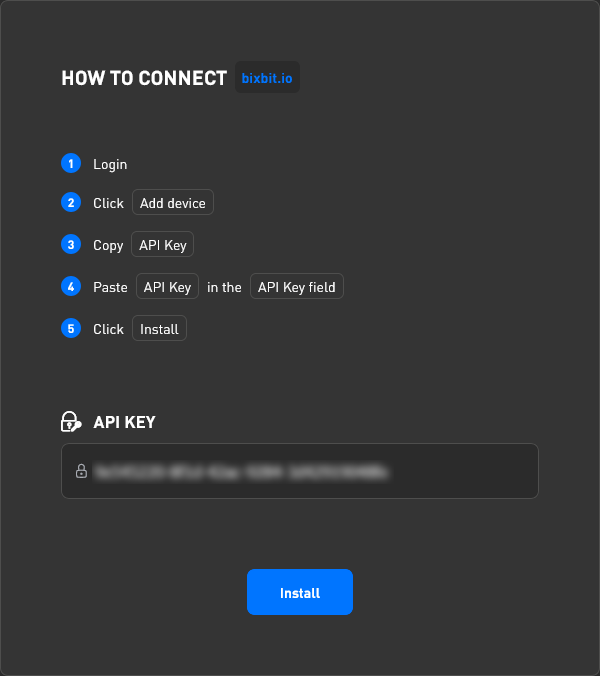
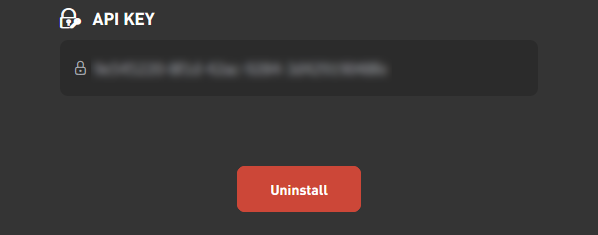
- Wait until the Install button is replaced by the Uninstall button. After that, the device will appear in the "Miners" tab.
On Stock or Third-Party Firmware
To be added with the release of AMS Hub.
Whatsminer ASIC
On BiXBiT Firmware
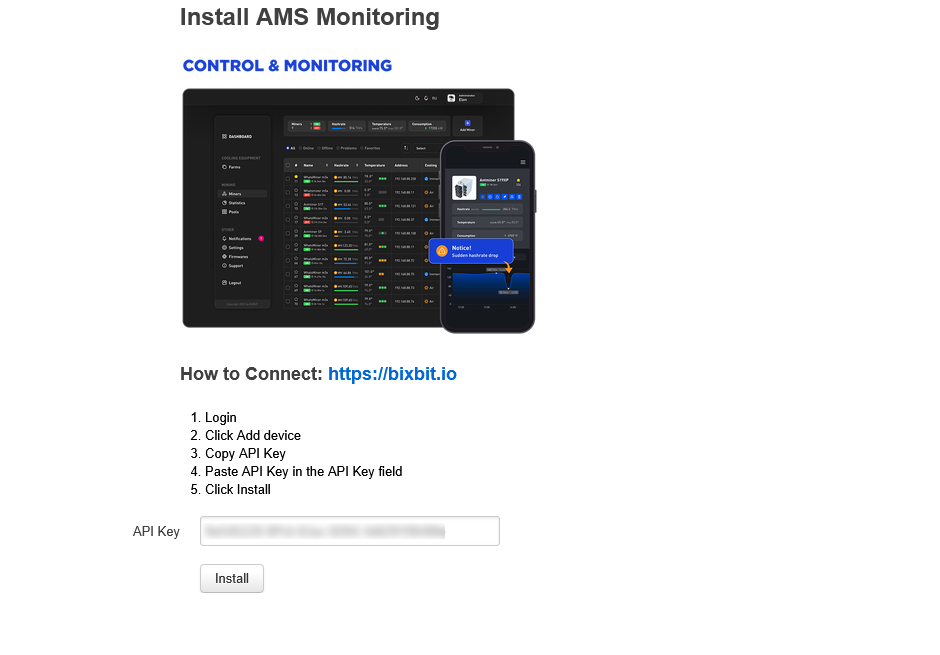
- In the device's web interface, go to the "AMS (control & monitoring)" tab.
- Enter the previously copied AMS space key into the "API Key" field.
- Click the Install button.
- Wait for the "Installed" message. After that, the device will appear in the "Miners" tab.
On Stock or Third-Party Firmware
To be added with the release of AMS Hub.
Other ASIC Miners and Devices
To be added with the release of AMS Hub.